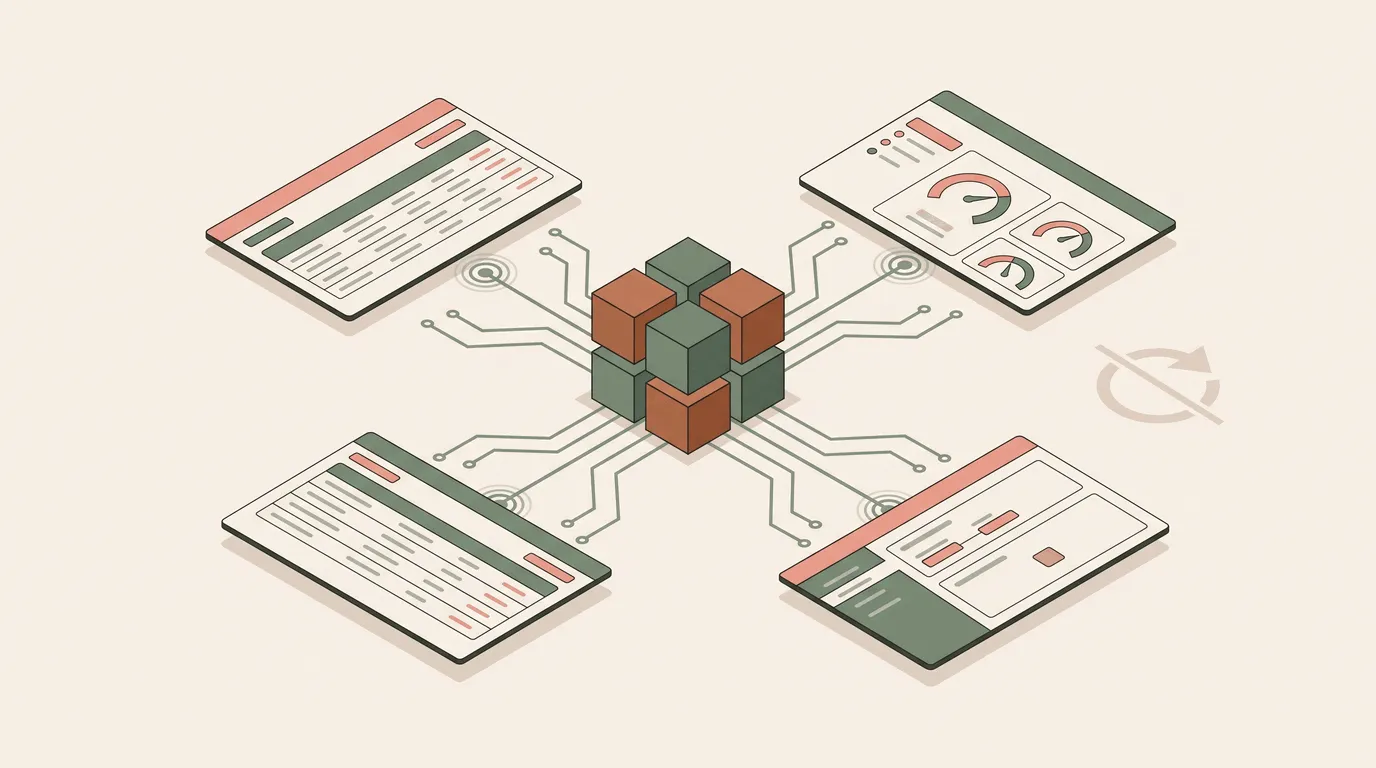
Monitoring a live operational system — a server fleet, a fulfillment pipeline, a shared content calendar — means the screen has to reflect state changes made by other people and other processes without a manual refresh.
Omnismith synchronizes every operational workspace, entity table, detail sidebar, and schema editor over a native real-time connection. State changes push to active browser sessions as they happen.
Zero-polling collaboration
Records in a live operational project are created and modified continuously by background workers, external webhooks, automated scripts, and team members. The real-time layer keeps every open view current against all of them:
- Live entity tables. Incoming records and dimension edits appear as they land, with no re-query or page reload.
- Concurrent field updates. Team members and background workers editing the same entity see each other’s changes immediately, which keeps stale views from silently overwriting a newer value.
- Dynamic schema propagation. When a template or attribute definition changes in the workbench, open forms and search filters pick up the new configuration without a reload.
- Live dashboard telemetry. Time-series metric streams and status gauges run on the same real-time push layer as the rest of the UI, so every view stays in sync.
Scoped per project
Each real-time connection authenticates with a granular, project-scoped token, so a session only receives updates for projects it is authorized to access. The same push layer replaces client-side polling loops across both web and mobile, cutting the network overhead a polling UI would otherwise carry.
This is also what makes it practical to watch an agent work: the tool-call activity audited in Zero-Code AI Agent Observability and the concurrent-writer behavior compared across storage patterns in Comparing MCP Storage Architectures both surface through this same layer — a record an agent just wrote appears in the UI without anyone refreshing the page.
Availability
Real-time updates are enabled by default across every Omnismith workspace. No configuration or code change is required.
Read about the capacity this runs on in the Omnismith 2.0 Announcement, or explore the underlying workbench in the Headless Backend Guide.